Event types for every meeting
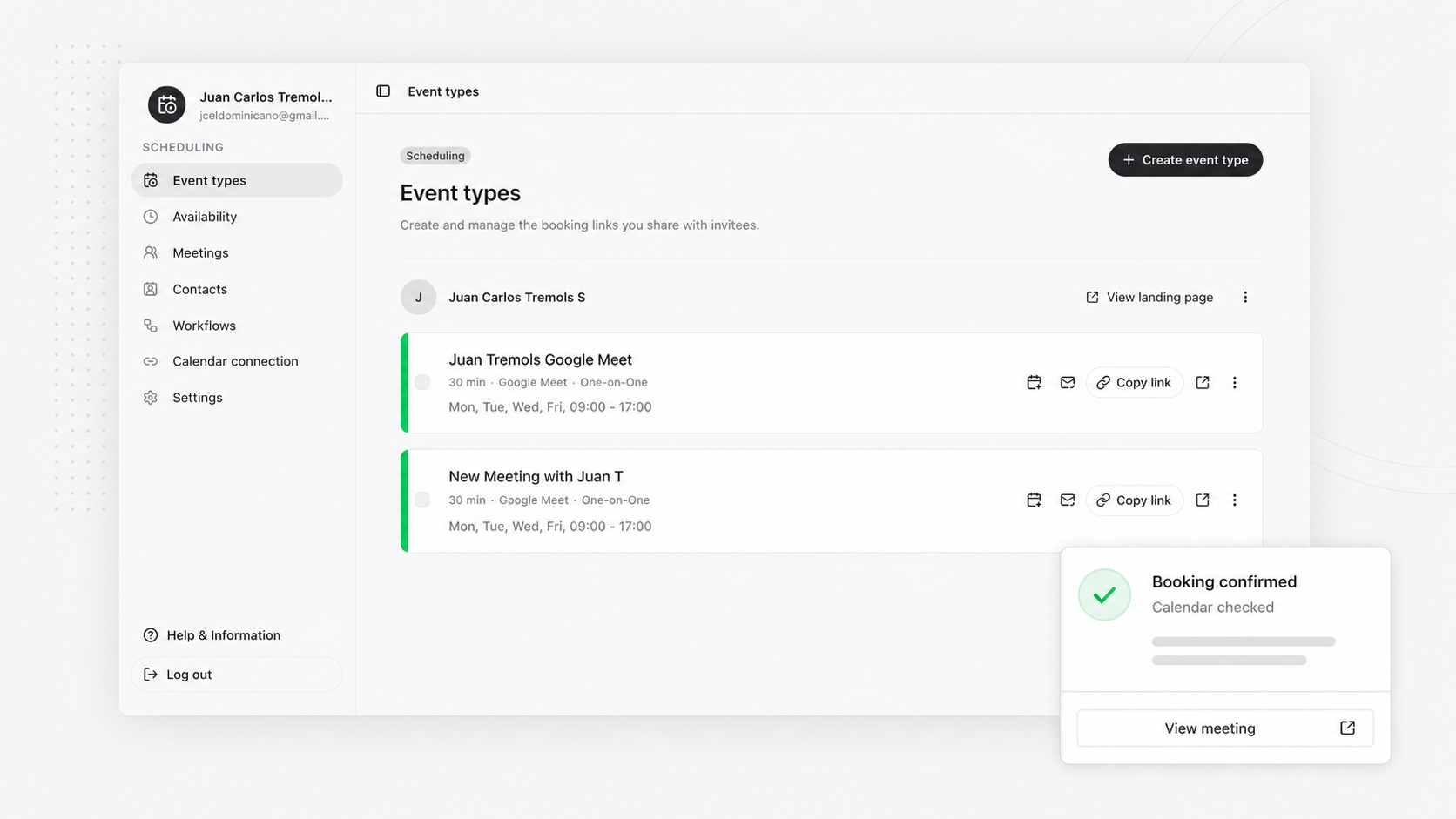
Create one-on-one booking links with duration, location details, active status, and the context invitees need before they choose a slot.
Share a profile link or a direct event link from the host workspace.
JT Scheduler helps hosts create event types, protect availability, share booking pages, and keep meetings organized with Google Calendar conflict checks and email notifications.
What is available today
Give hosts a practical path from setup to confirmed meetings: reusable booking links, host-controlled availability, Google Calendar checks, meeting records, contacts, and email workflow foundations.
Create one-on-one booking links with duration, location details, active status, and the context invitees need before they choose a slot.
Share a profile link or a direct event link from the host workspace.
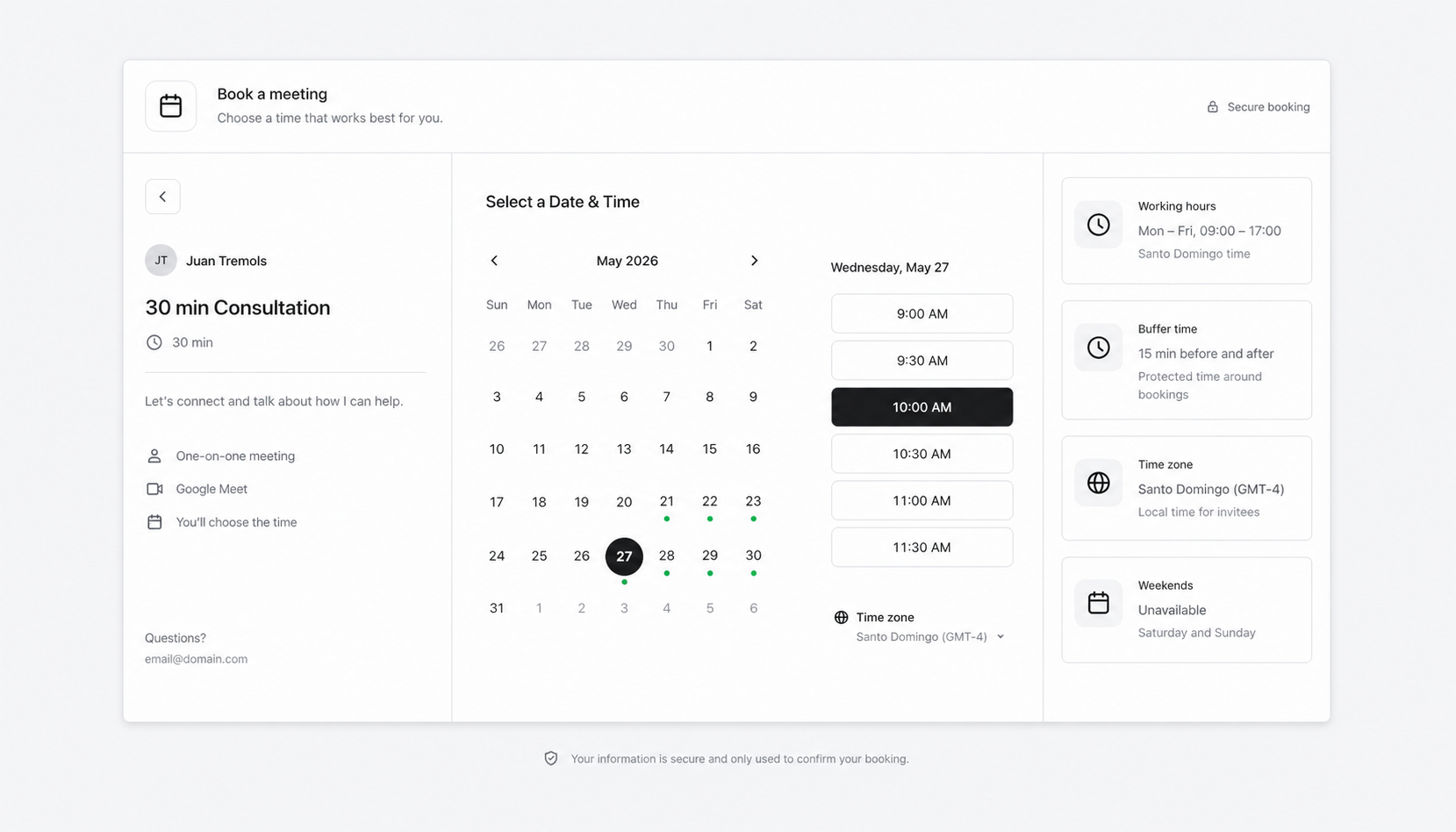
Set weekly hours, date overrides, buffers, and booking windows before invitees see open slots.
Availability stays host-controlled before it becomes public.
Invitees choose a date, time, timezone, and confirmation details without signing in.
The public page stays focused on booking, not account creation.
Connect Google Calendar through the server-side calendar flow and choose which calendars block availability.
Confirmed bookings can queue notification records for email reminders and follow-ups.
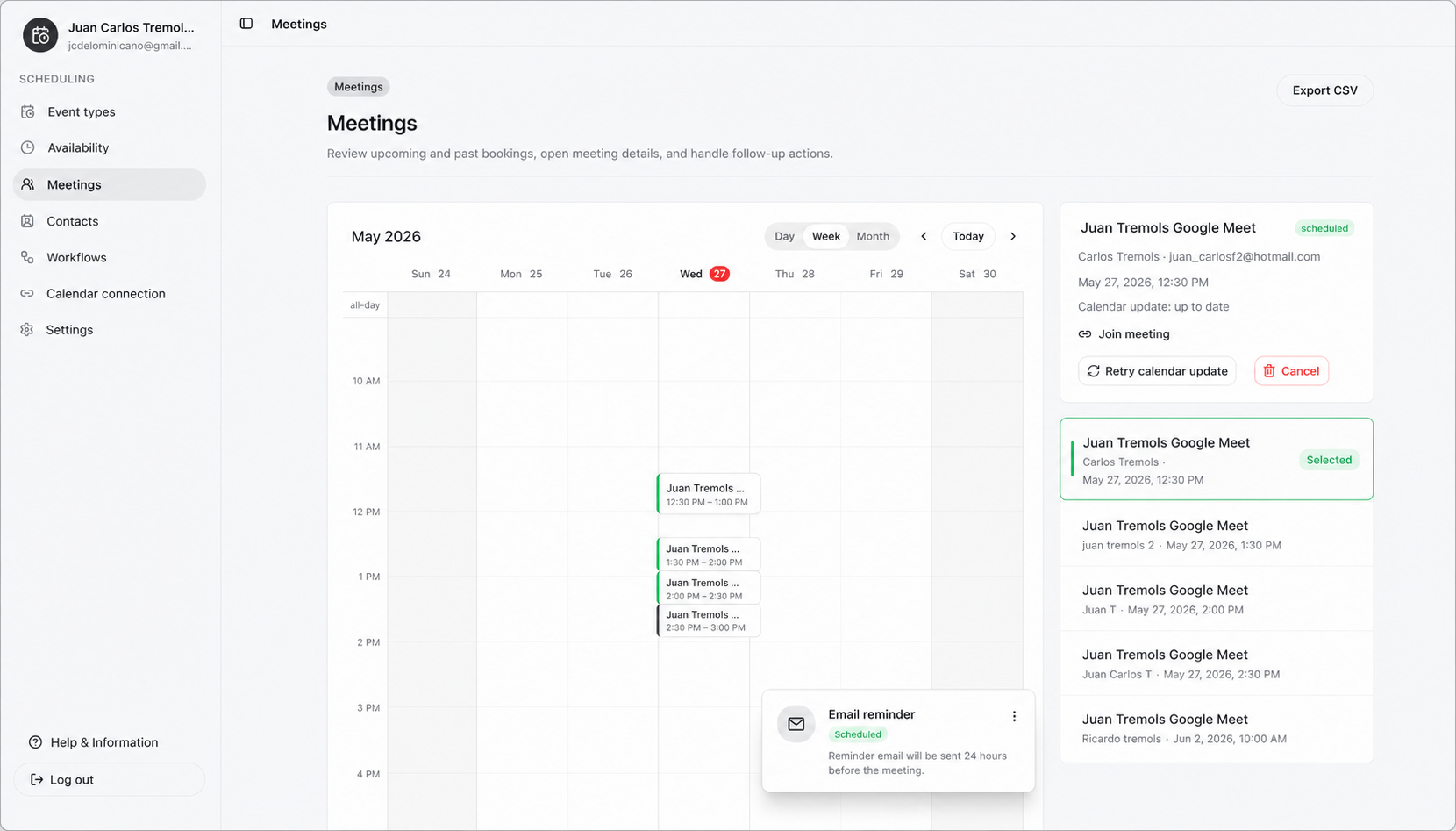
Keep upcoming meetings, past meetings, invitee details, and retry status visible from the host workspace.
Contacts build naturally from the invitee history your meetings create.
Reminder and follow-up surfaces stay tied to confirmed bookings and real meeting state.
Reminder records stay connected to the booking lifecycle.
Share a link
JT Scheduler turns your event types and availability rules into public booking pages with timezone-aware slots and confirmation capture.
Stay coordinated
The host workspace keeps scheduled meetings, calendar update status, cancellation actions, and email reminder workflows close at hand.
Why JT Scheduler
Bring the core parts of host-led scheduling into one flow: availability rules, public booking links, calendar protection, meeting records, and email reminder workflows.
Ready when you are